How to shoot from a car in GTA 6: PS5 and Xbox buttons
How to shoot from a car in GTA 6: R1 and RB buttons, aiming with the right stick, shooting from the passenger seat, and Drive-By Assist in the settings.
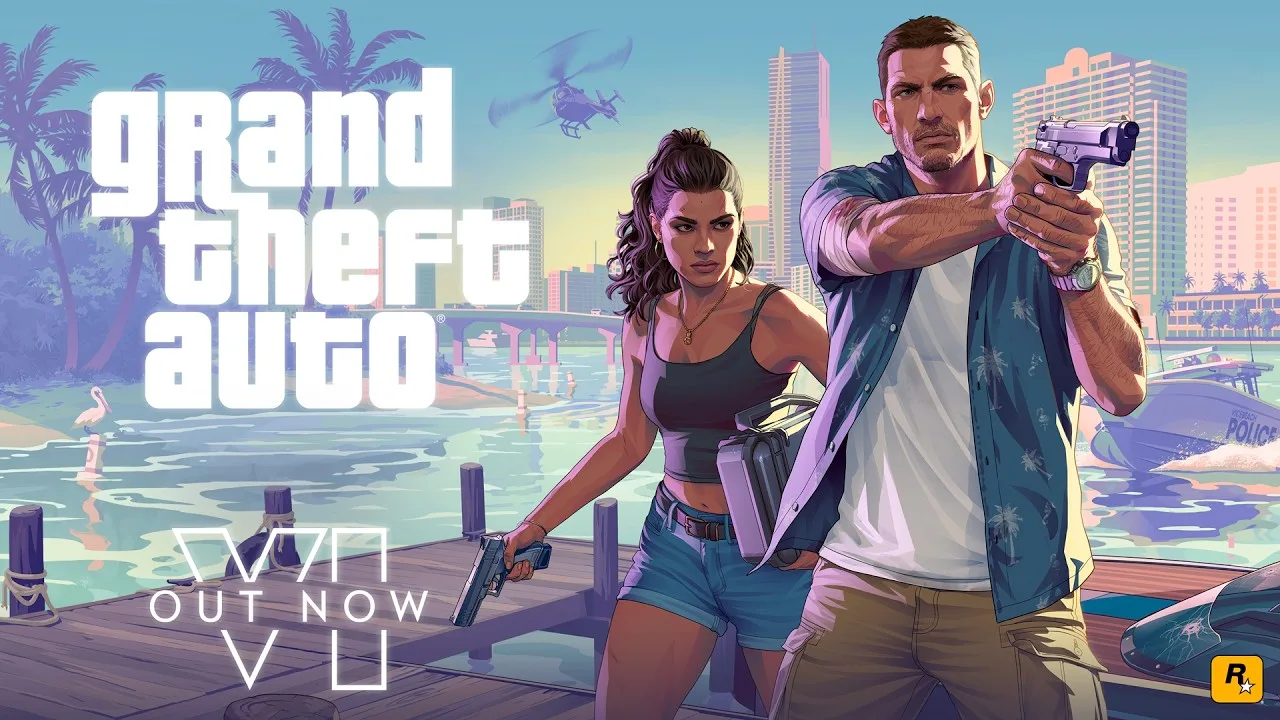
To shoot from a car in GTA 6, get behind the wheel with a weapon in your loadout and press R1 on PS5 or RB on Xbox Series X|S. There's no separate aim button while driving: L2 and LT in a car are brake and reverse, so aim with the right stick through the camera and hit fire right away. Below is the full breakdown of how to hand the wheel to your partner and what to watch for in the settings.
Which button shoots from a car
Shooting from a vehicle doesn't work like on-foot combat, and that throws you off in the first hours. Behind the wheel the usual aim trigger is taken by the brake, and fire sits on the top bumper.
| Action | PS5 | Xbox Series X|S | |---|---|---| | Fire from a car | R1 | RB | | Aiming the camera at a target | right stick | right stick | | Brake and reverse | L2 | LT | | Switching weapons in the loadout | L1 | LB |
The layout is for the Default control scheme. If you picked another scheme in the settings, the buttons may differ — check the “Controls” section in the pause menu.
- Before getting into the car, make sure a firearm is selected in your loadout. The pistol works best: you can shoot it without aiming.
- Take the driver's seat and turn the camera toward the target with the right stick — another car or a person on the street.
- Press R1 on PS5 or RB on Xbox. The hero opens fire on the move, and you don't need to let go of the car.
- Keep steering and holding your speed: shooting doesn't cancel driving.
How to aim while driving if L2 is the brake
The driver has no precise “through the sights” aiming at all — the car control screen simply doesn't have such a button. Instead, the camera and the fire button work as a pair: wherever the camera looks, that's where the burst lands.
What that means in practice. Keep the target in frame with the right stick, don't press L2 or LT hoping to aim — the car will just brake in the middle of a firefight. If aiming feels loose, go into the settings: Settings, the Gameplay section, then Combat. There's a Drive-By Assist option that helps you aim when shooting specifically from a car. The general aim modes — Lock-On, Partial and Free Aim — are set up nearby too, but in a chase it's the drive-by auto-assist that decides things. More on aim modes and hit marker colors is in the guide on fighting and shooting.
How to shoot while your partner drives
You don't have to split your attention between the road and the firefight. When Jason and Lucia ride together, you can switch to the passenger — the second hero takes the wheel on their own. Some story chases work the same way: one drives, the other shoots.
Switching uses the standard character swap mechanic — the button layout is in the article on switching between Jason and Lucia. This option is handy in long chases, where the driver only has to hold the direction and all the work goes to the shooter.
Who to shoot at in a chase and what comes after
Shooting on the move decides a lot, but it has a price. The game tracks the hero's behavior through the criminal profile system, and cops killed in a firefight weigh it down more than damaged vehicles. That's why experienced players shoot at tires, not people.
- Aim at the tires
- a shot-out wheel stops a chase without extra bodies and profile entries.
- Watch the road
- a firefight doesn't cancel turns and traffic, and a high-speed crash is more dangerous than return fire.
- After a firefight with witnesses, change cars
- the police recognize a vehicle spotted at the crime scene.
Tires deserve a separate mention: they really do get shot out in GTA 6, and a crippled pursuer's car often creates a jam for those following behind. It's a working way to break away without raising your wanted level one more time — how the wanted level grows and how to shake it is in the wanted system breakdown. And when it's all over, don't forget to put the new car in the garage so you don't lose it: how to save a car.
Common mistakes when shooting from a car
The first and biggest one is the habit of pressing L2 or LT. In a car that's the brake, and instead of aiming you come to a sharp stop in the middle of the road under fire. The second is trying to shoot with an empty weapon slot: check your loadout before getting in. The third is getting carried away with the firefight in dense traffic: hitting a pole at speed is worse than letting a couple of bursts go wide. Finally, don't ignore Drive-By Assist in the settings — with the assist off, aiming with the right stick on the move is noticeably harder.
FAQ
Which button shoots from a car in GTA 6 on PS5? R1. Aiming is with the right stick, and L2 behind the wheel works as the brake.
Can you aim from a car through the sights? No, the driver has no separate precise aiming mode. The Drive-By Assist option in the Gameplay settings, Combat section, helps.
How do you shoot from the passenger seat? When Jason and Lucia are in the same car, switch to the passenger — your partner takes the wheel, and you can focus on fire.
Do car tires get shot out in GTA 6? Yes. A shot-out wheel slows or stops a pursuer, and it doesn't weigh down the criminal profile the way killing a cop does.

Comments