How to turn on autopilot in GTA 6 — step by step on PS5 and Xbox
Autopilot in GTA 6 hides in the cinematic camera: a point on the map, “down” on the D-pad, “Options”. Step by step on PS5 and Xbox, speeds and settings.

Autopilot in GTA 6 turns on through the cinematic camera: put a waypoint on the map, get behind the wheel, start moving, hold “down” on the D-pad, press “Options” (on Xbox — “Menu”) and hold “Circle” (or B) until the prompt appears. After that Jason or Lucia will drive the car themselves. There's no separate toggle in the menu — the feature is hidden inside the camera mode, so it's easy to miss in the first hours.
Autopilot on PS5: step by step
- Open the map, hover the cursor over the spot you need and set a route.
- Get in the car and pull away: the prompt doesn't appear on a parked vehicle.
- Hold “down” on the D-pad — the camera menu opens in the bottom right corner.
- Press “Options” to switch to the cinematic view. The screen gets black bars, and “Enable autopilot” lights up in the bottom right.
- Hold “Circle” until the ring around the icon fills up. Control passes to the character.
Autopilot on Xbox Series X|S
The order is the same, only the button labels change. Hold “down” on the D-pad, press “Menu” and hold B when the prompt appears in the corner. If the prompt is gray or doesn't show up, the car isn't on the road — more on that below.
Buttons: a short table
| Action | PS5 | Xbox |
|---|---|---|
| Camera menu | hold “down” on the D-pad | same |
| Cinematic view | “Options” | “Menu” |
| Enable autopilot | hold “Circle” | hold B |
| Speed | L2 and R2 | LT and RT |
| Turn off | hold “Circle” | hold B |
| Exit camera mode | hold “down” | same |
Three speeds, and why fast won't happen
When autopilot is on, the prompts change: you get a choice of speed from first to third, switched with L2 and R2 (LT and RT on Xbox). Second is the default. But even on third the character doesn't speed: he stays in lane, stops at traffic lights and yields, so you'll reach the point later than driving manually. That's the price for having your hands free.
- Speeds
- 3
- Default
- second
- Cost of the trip
- 0 bucks
- Default setting
- “Restricted”
- Skipping the trip through the RydeMe app
- 100 dollars extra
- Available
- from the first minutes of the game
The “Restricted” and “Unrestricted” setting
In the pause menu open “Settings” → the “Gameplay” tab and find the “Autopilot” item. There are two. “Restricted” only lets you hand over the wheel in calm situations — that's what most players have from launch. “Unrestricted” removes the limit, and you can turn on autopilot even where the game considers the situation risky. It doesn't change the mechanic itself: the wheel is still only handed over from the cinematic camera.
Why autopilot won't turn on
- A destination point is set on the map
- The car is already rolling, not standing
- You're on the roadway or at least in your own lane
- Cinematic view is on, not the regular camera
- Settings aren't on “Restricted” if there's a chase or a fight outside
If everything is checked and there's still no prompt, roll a couple of meters down the road: the prompt dies fastest on the shoulder, on grass and in the oncoming lane.
Autopilot, your own hands or a paid ride
| Method | Price | Time | When it works |
|---|---|---|---|
| Autopilot | 0 | Longer than driving manually | Long stretches, looking over the map, photos |
| Your own hands | 0 | Fastest | Chases, off-road, running late for a mission |
| Skipping the trip in RydeMe | 100 dollars extra | Instant | You need it now and don't feel like driving |
| Taxi | By the meter | Medium | No car of your own at hand |
The math is simple: one skipped trip eats a hundred, ten of them a thousand, while autopilot charges nothing for the same stretches. The only thing it can't do is speed up time.
What else this mode gives you
Trips count toward world exploration: the fog of war on the map clears along the route, even if you never touched the sticks. A good trick is to set the marker not in the next block but halfway across the state: while the car crawls down the highway, several districts open up at once.
Where autopilot will let you down
In a chase it's dangerous: the character won't dodge collisions or ram through fences, he'll just drive by the rules. Off-road and in the mountains the prompt often doesn't appear at all — there you need the “Unrestricted” setting, but even with it the car gets stuck again and again. On water the mechanism is the same: put the marker on the water, or the boat will just bump into the shore.
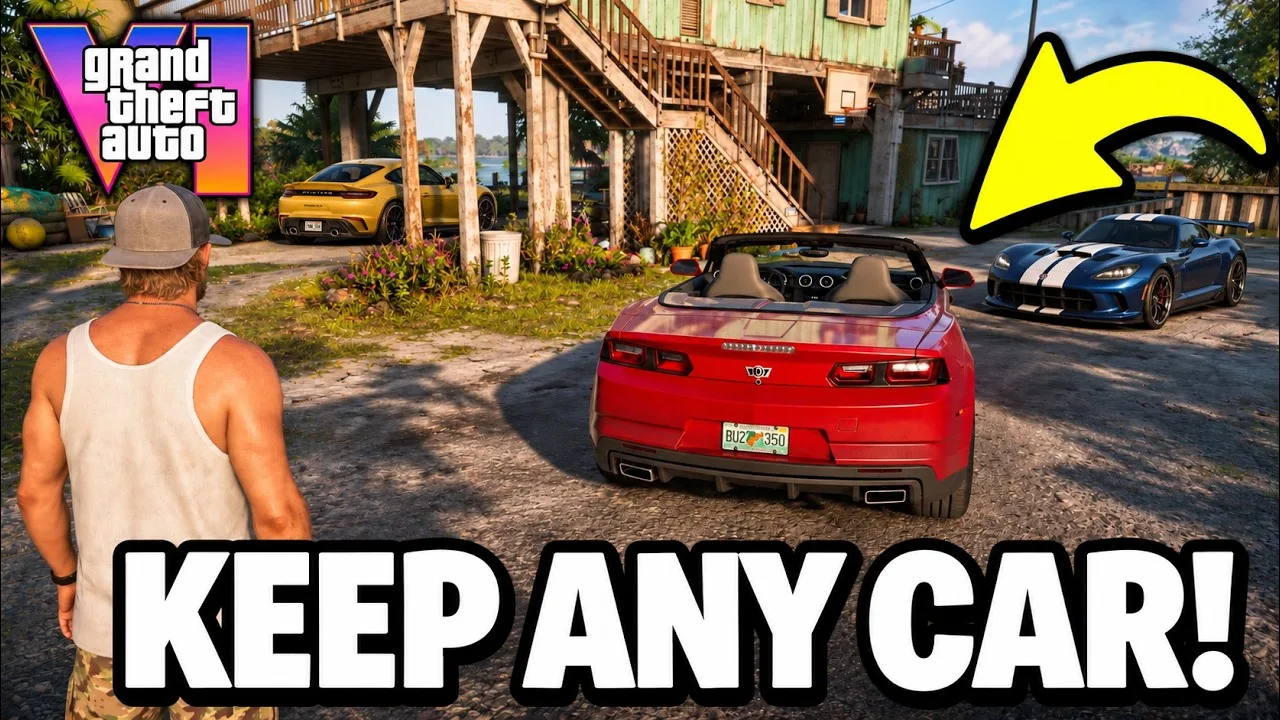
Separately about vehicles: autopilot works not only in sedans but also in pickups, vans and boats. If the car was stolen and is about to disappear from the garage, sort out the registration first — how to save a car in GTA 6, and then ride in comfort.
FAQ
Do you need a point on the map
Sources disagree. The howtovideogame editorial team turned on autopilot without a marker, and the pickup pulled onto the road by itself and drove in lane. The bo3.gg portal and the GTABase database insist the prompt doesn't appear without a route. The practice is simple: set a marker, and then the behavior is predictable.
Is autopilot free
Yes. Unlike skipping a trip in RydeMe, which costs 100 dollars extra, autopilot charges nothing: it's your car and your gas.
Does it work on boats
It does. Mark a point on the water, get behind the wheel, turn on the cinematic camera and hold “Circle” or B. Handy when you need to reach a distant island — for example, for fishing.
Can you take back control on the move
Yes, at any moment: hold “Circle” or B again, or hold “down” on the D-pad to exit camera mode. You don't have to wait for arrival.
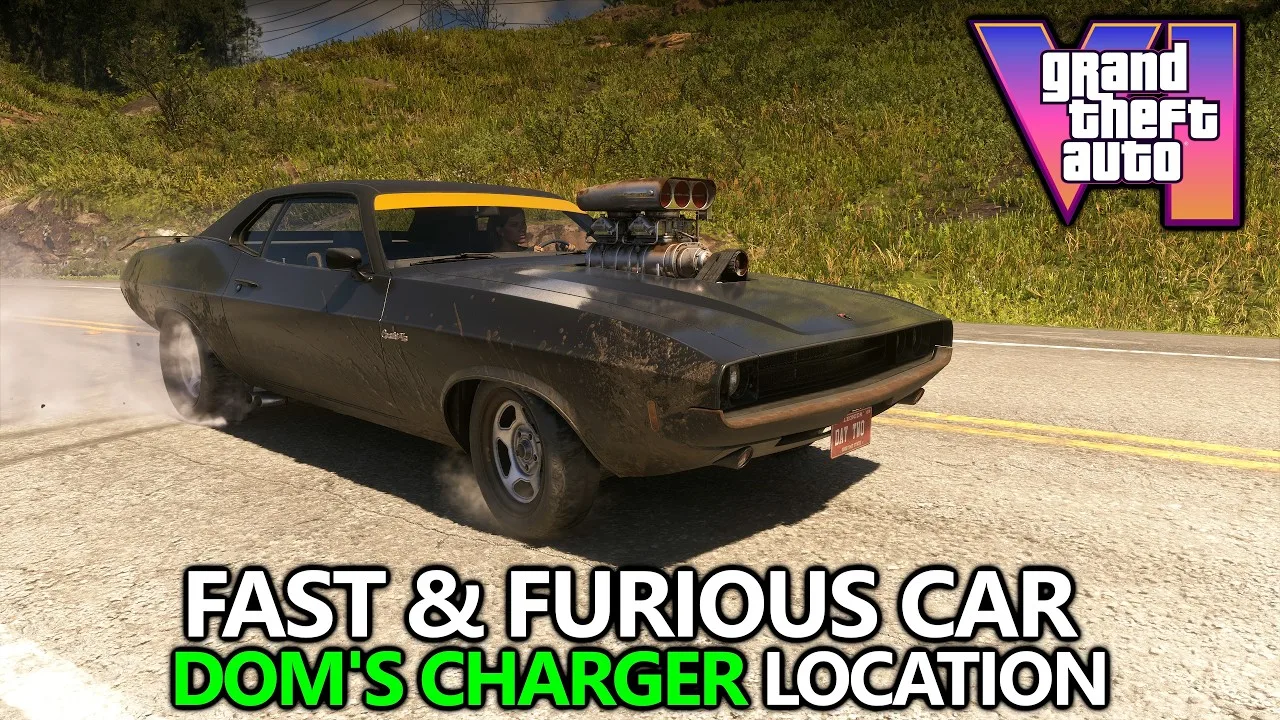
More on the topic: the fastest car in GTA 6, the car from “Fast & Furious” and the garage on Starfish Island — if you feel like swapping your ride for something more interesting.
FAQ
How to turn on autopilot in GTA 6
Set a point on the map, get in a car, start moving, hold “down” on the D-pad, press “Options” (Xbox — “Menu”) and hold “Circle” (Xbox — B) until the ring fills up.
Why the autopilot prompt doesn't appear
Check that a route is set, the car is rolling on the roadway and the cinematic view is on. If there's a dangerous situation outside, in the settings go to “Gameplay” → “Autopilot” and switch “Restricted” to “Unrestricted”.
How much does autopilot cost in GTA 6
Nothing. Unlike skipping a ride in the RydeMe app for a $100 surcharge, automatic driving is free.
Can you turn on autopilot on a boat
Yes, the order is the same: a marker on the water, the cinematic camera and holding “Circle” or B.
Sources
- GTABase: How to Auto Drive in GTA 6 (Cinematic Mode Autopilot)
- HowToVideoGame: GTA 6 — How to Use Auto Drive (тест на PS5)
- bo3.gg: Как включить автопилот в GTA 6 — настройки и управление
- ShowGamer: Как включить автопилот в GTA 6 — машина и лодка
- Playground: Как включить автопилот и поручить управление герою

Comments